
WiFi Keeps Dropping Out? Here Is Why
WiFi dropouts usually come down to one of four causes. Here is how to tell which one you have, and when to call us.
The Short Answer
WiFi that keeps dropping is usually caused by distance from the router, walls and interference, an old or overloaded router, or a problem with the internet connection itself.
Working out which one it is tells you whether you need a restart, a better router or mesh WiFi.
Common Causes

Too Far From the Router
WiFi gets weaker with distance. Rooms at the far end of the house or upstairs often sit right on the edge of the signal.

Walls and Interference
Brick, concrete, metal and even large mirrors block WiFi, and neighbouring networks compete for the same channels.

An Old or Overloaded Router
A router set up for a few devices can struggle when phones, TVs, cameras and smart home devices all connect at once. A smart home can add twenty to fifty devices.

The Internet Connection Itself
Sometimes the WiFi is fine and the internet connection is dropping. A wired test, below, tells you which one it is.
What to Try Before You Call
- Restart the modem and router. Switch them off, wait 30 seconds, then switch them back on.
- Test close to the router. If the WiFi works there and drops further away, the problem is coverage.
- Plug a computer into the router with a network cable. If that connection drops too, the problem is the internet connection, so contact your internet provider.
- Move the router to a central, open spot, off the floor and away from metal objects.
- Check for router updates in its app or settings page.
When to Call Us
Call us if dropouts continue in parts of the house, or before you add smart home devices. We assess your network and set up mesh WiFi or cabling so every room has a reliable signal.
What Does a Repair Cost?
Our standard rate is $132 per hour, and it includes travel anywhere on the Gold Coast. We quote any parts before we start, so the price never surprises you.
Every repair comes with our satisfaction guarantee, and parts carry the manufacturer's warranty.
| Item | Price |
|---|---|
| Labour, including Gold Coast travel | $132 per hour |
| Parts | Quoted before we start |
Questions
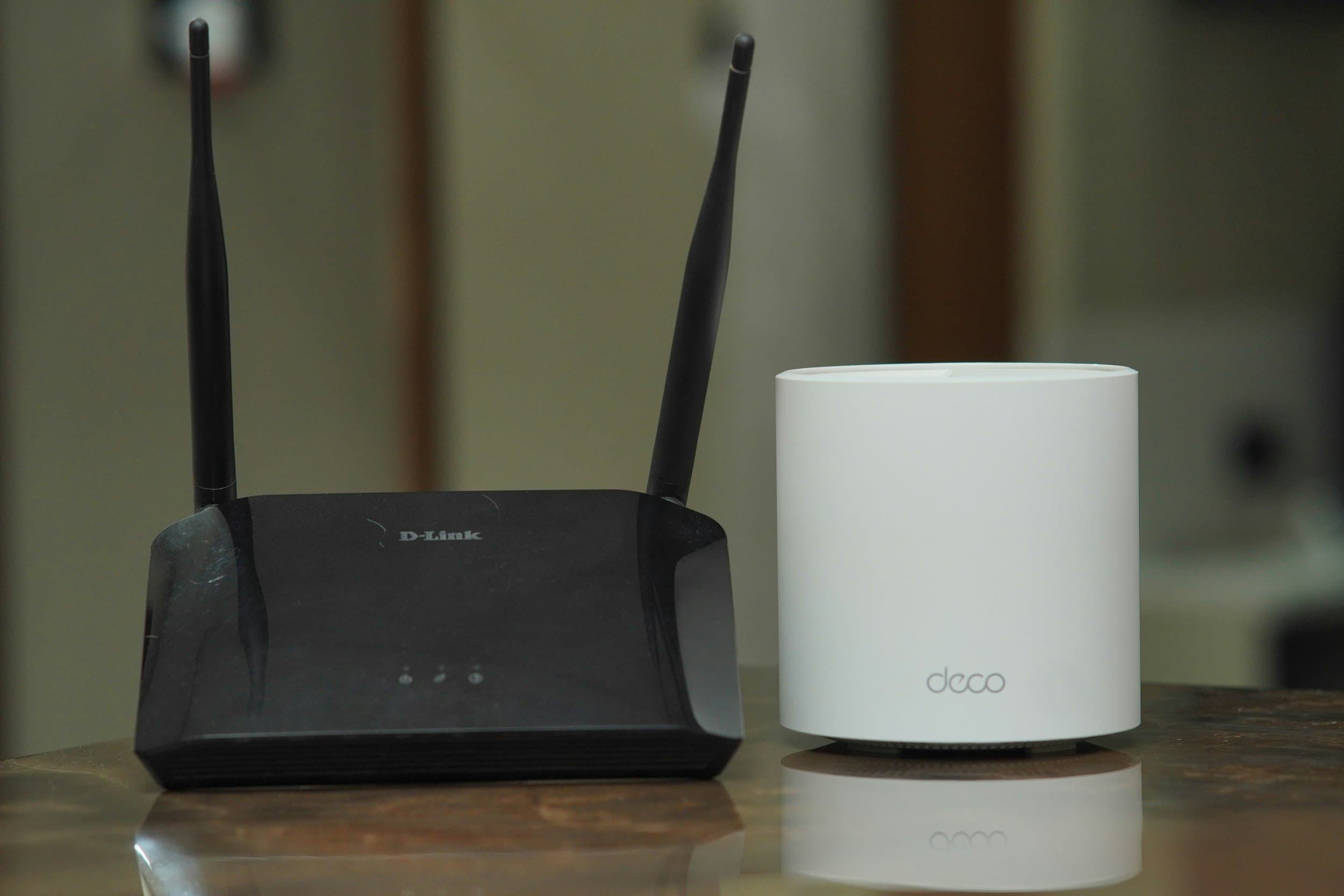
Mesh WiFi uses several units placed around the home that work as one network, so the signal reaches rooms a single router cannot.
It can, if the network was not built for it. A smart home adds twenty to fifty connected devices to a network that may have been set up for five. We assess your WiFi as part of every smart home install.
Plug a computer into the router with a network cable. If the wired connection also drops, the problem is the internet connection. If the wired connection is steady, the problem is the WiFi.
You Might Also Need
 Smart Home Automation
WiFi Still Dropping Out?
Call us or book a technician, and we will get back to you fast.